
ML Work Orders™ Users with Administrative Permissions have the ability to Manage Inventory Types.
Manage Inventory Types:
1. Select Inventory > Manage Inventory Types
The Manage Inventory Types page will be displayed.
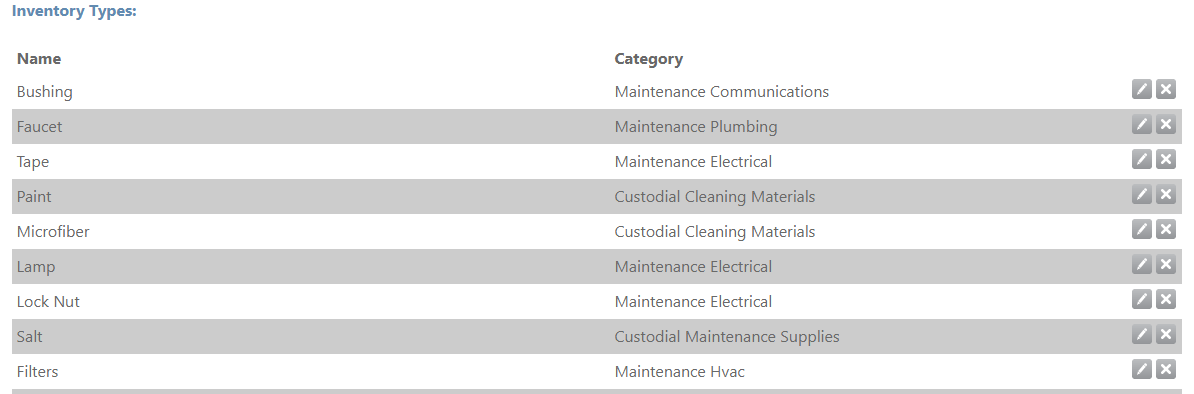
2. To add a new Type, enter the Type Name in the text box displayed, select the appropriate Inventory Category, and select the Save button.
3. To edit an existing Type, select the Edit ( ) icon. To delete an existing Type, select the Delete (
 ) icon.
Comments
0 comments
Please sign in to leave a comment.